
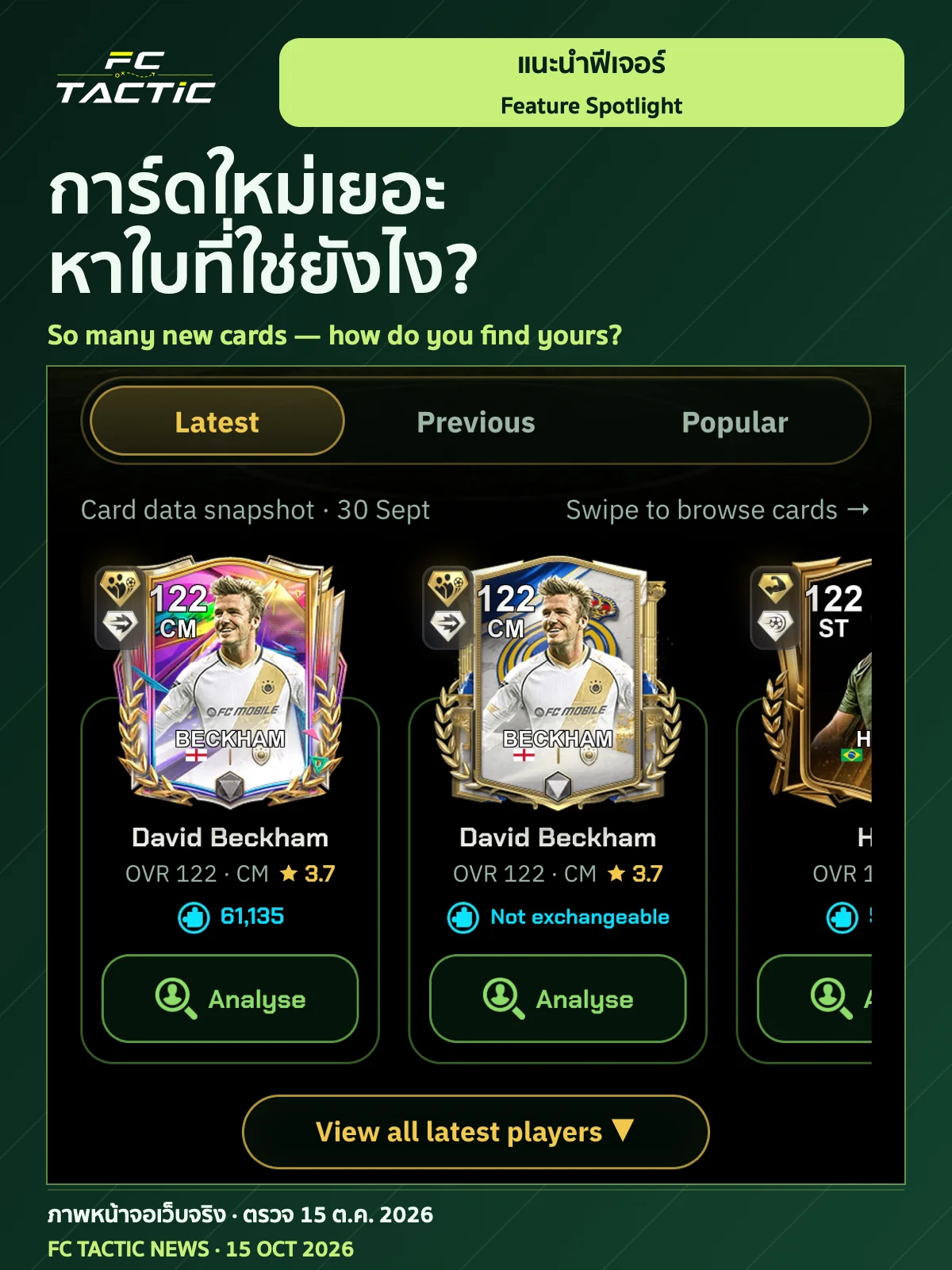
New cards everywhere? Three Player Review tabs get you to the right card faster
One update can drop a dozen new cards, and scrolling for the one you want gets old fast. Player Review puts three shortcut tabs at the top: pick the one that matches what you're looking for, then open each card for the details.
Pick the tab that answers your question
- Latest shows cards from the newest update — start here to check the fresh batch first
- Previous brings back the prior update, handy when you're weighing a new card against one you already had your eye on
- Popular shows cards whose review pages are drawing views right now, with newer views counting more
Popular doesn't mean best
This is the part worth reading twice: Popular measures interest on FC TACTIC, not card strength, match results or in-game usage. It only appears when the recent view feed has at least five cards.
If a name catches your eye there, open the profile and check position, PlayStyles, attributes and roles before you decide. A big name doesn't automatically fit your squad.
Cards and their order change with database updates and review views. FC TACTIC analysis scores are model estimates from card data, not match outcomes.
Open Player Review, choose the tab that fits your search, then tap a card for its full analysis.